TL;DR:
OOUX makes a product’s technical structure explicit: objects, relationships, actions, states, and rules are combined into a unified system model.
This model serves as a shared working foundation for Product, Design, and Development—and can simultaneously provide a structured context for an AI coding agent.
The model helps validate the prototype. The prototype helps validate the model. Discrepancies can reveal both problems in the prototype and gaps in one’s own understanding of the product.
This article is a (partly) automated translation of the German original.
Building a first functional prototype has become absurdly easy with AI. A few sentences in a chat, a quick tweak—and suddenly there’s something I can click on, try out, and modify.
In the process, the focus shifts: from creating an interface to the question of whether I’ve actually understood the product behind it well enough to evaluate the result. After all, a prototype can work technically and still be based on false assumptions—about how people work, what rules apply, and how the elements that make up the product are interconnected.
This is precisely where Object-Oriented UX has become particularly interesting for my work.
In my current project, I’ve used OOUX to build a system model: as a shared working foundation for our team and as a context for an AI coding agent. By “system model,” I mean a domain-specific model of the relevant objects, their relationships, actions, states, and rules. During testing, it became apparent that the prototype deviated from this model in some places. Later, it also revealed a gap in our model. Using an example from the project, I’d like to show what I learned from this.
OOUX has changed the way I view digital products
For me, a holistic understanding of the product is an integral part of UX work. With OOUX, I’ve found a method to deepen this understanding together with others on the team and capture it in an explicit model. That’s exactly where the shift in perspective lies for me: the system behind the screens takes on a visible form that we can discuss, review, and further develop as a team.
The ORCA process, developed by Sophia Prater, focuses on Objects, Relationships, Calls-to-Action, and Attributes. An object represents a domain-relevant entity or concept, such as an appointment, a reservation, or a stay. We describe its properties, how it relates to other objects, and what people can do with it.
Users are familiar with these things from their everyday lives and have expectations about how they relate to one another and what they can do with them. When they recognize familiar terms and relationships within the product, they find their way around more easily.
For me, what we have in common is crucial. Users, subject matter experts, product, design, and development teams all bring different perspectives to the table. During the modeling phase, we clarify whether we mean the same thing by the same terms and what rules apply to the objects and their relationships.
This helped establish a common language for the product within my project. We were able to refer to terms, objects, and relationships that we had all agreed upon. This made the product structure easier to understand and facilitated communication within the team.
For me, UX often feels less like invention and more like discovery at this stage: We work together to develop an understanding of the system. I base my design decisions on that understanding.
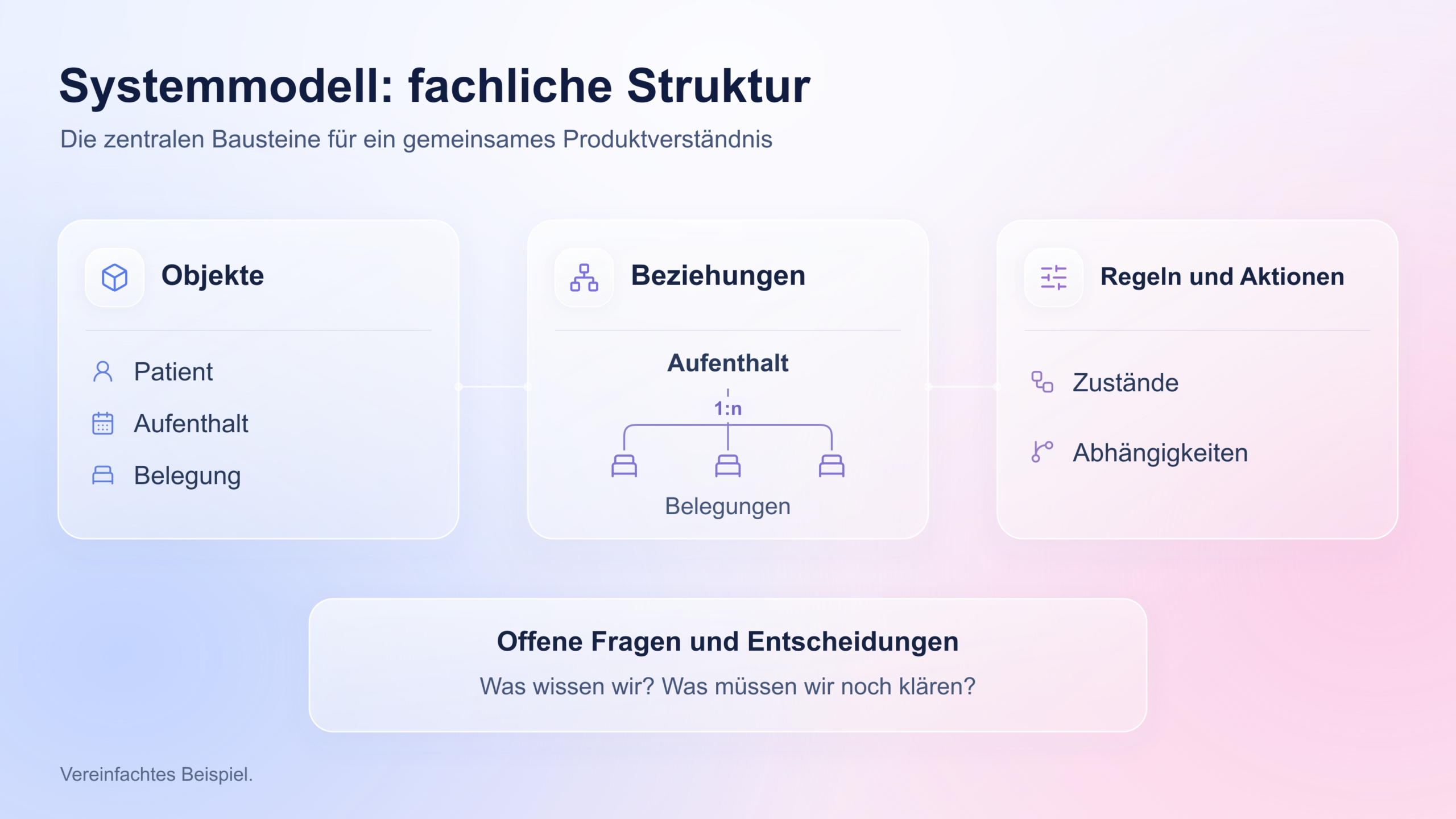
- The System Model, Technical Structure
The System Model Serves as the Context for AI
We capture this shared understanding in the system model. It also serves as the context for AI coding agents and provides them with a technical foundation for implementation that goes beyond the description of individual screens and functions.
During the modeling process, it also becomes clear where our understanding is still incomplete and where we need to conduct further research through UX research or discussions with subject matter experts. The insights gained from this are then incorporated back into the model. It is a living document that evolves alongside our understanding of the product.
At the same time, the system model helps me verify whether the prototype actually reflects the described relationships—even across multiple views. This does not guarantee correct implementation. But it creates a better foundation for systematically reviewing results and identifying discrepancies.
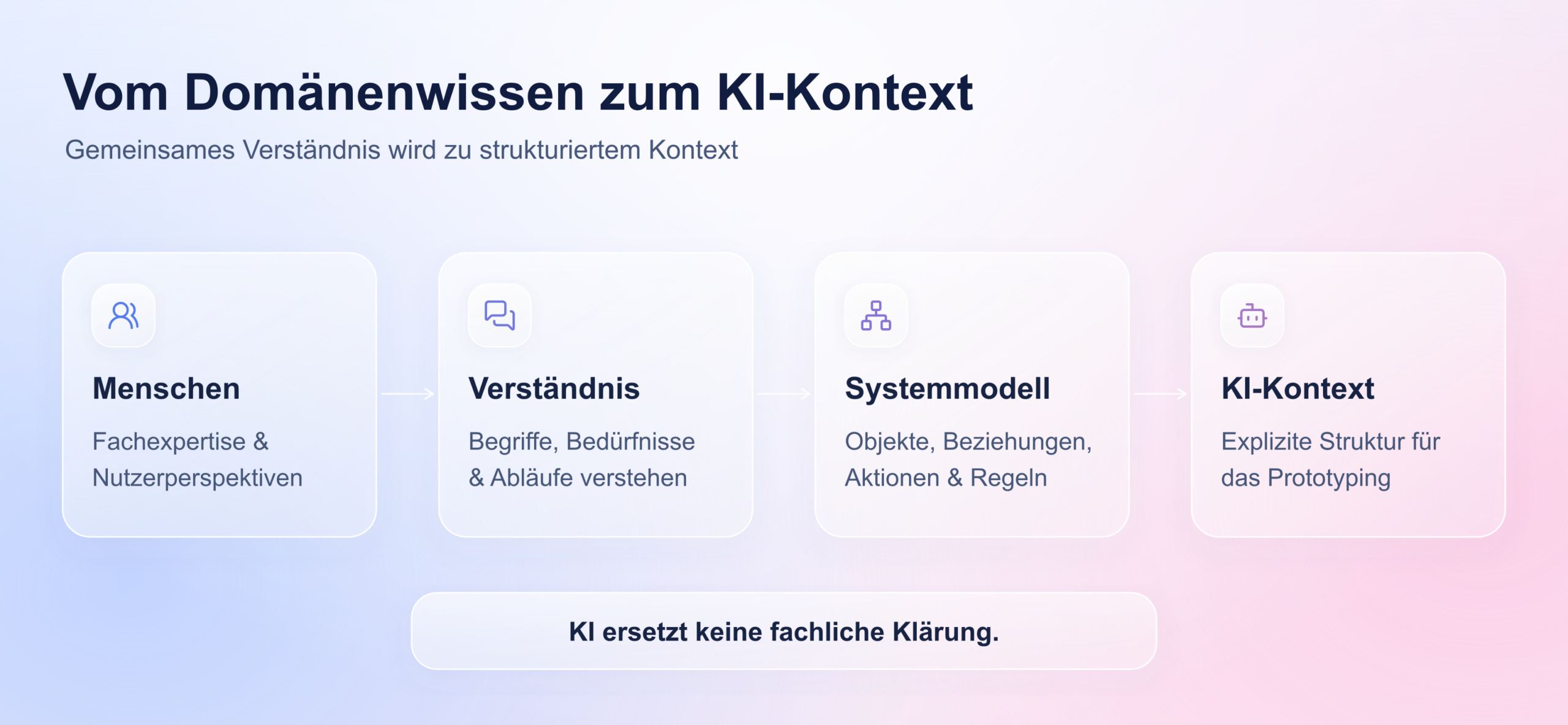
- From Domain Knowledge to the AI Context
Where exactly does the stay take place?
An example from my project showed me particularly clearly what a difference this can make.
To understand this, you first need to understand two terms: “stay” and “bed occupancy.”
A stay describes the planned or actual time period from a patient’s admission to their discharge. An occupancy, on the other hand, describes which bed is occupied for a specific period within that stay.
A patient can remain in the same bed during their stay or change beds, rooms, or wards. The model clearly defined that a stay can have multiple occupancies; each occupancy belongs to exactly one stay.
In simple cases with only one occupancy, I didn’t notice any problems. “Stay” and “occupancy” effectively seemed like the same thing. Things got interesting when I tested a stay with multiple occupancies.
The calendar was supposed to show which occupancies belonged together. Therefore, clicking on an occupancy should highlight all occupancies of the same stay, while others fade into the background.
First, I described what I saw in the interface: the highlighting wasn’t working properly. After a change, this issue was resolved. However, a new problem arose elsewhere. So I described the visible behavior again and had it corrected.
Until I thought: We’ve already defined this relationship. If multiple bookings belong to the same stay, this connection must also exist in the prototype.
Suddenly, my question was no longer “Why isn’t the highlighting working?” but rather: “Where is the stay, anyway?”
In the prototype at that time, the stay was not represented as a separate structure of its own. A different relationship held the bookings together. In simple cases, this worked—but when there were multiple bookings, this shortcut no longer held up.
The stay was then introduced as a separate structure, and the bookings were given a reference to it.
This doesn’t mean that every business object from an OOUX model must automatically be implemented one-to-one as a technical entity. The business model and technical architecture serve different purposes.
In this case, however, it was precisely the lack of a mapping for the relationship that was decisive for the observed behavior. Instead of continuing to correct individual symptoms, we were able to adjust the underlying structure.
The model helped me move from the visible symptoms to the underlying structure.
I didn’t debug the code. I questioned the system logic.
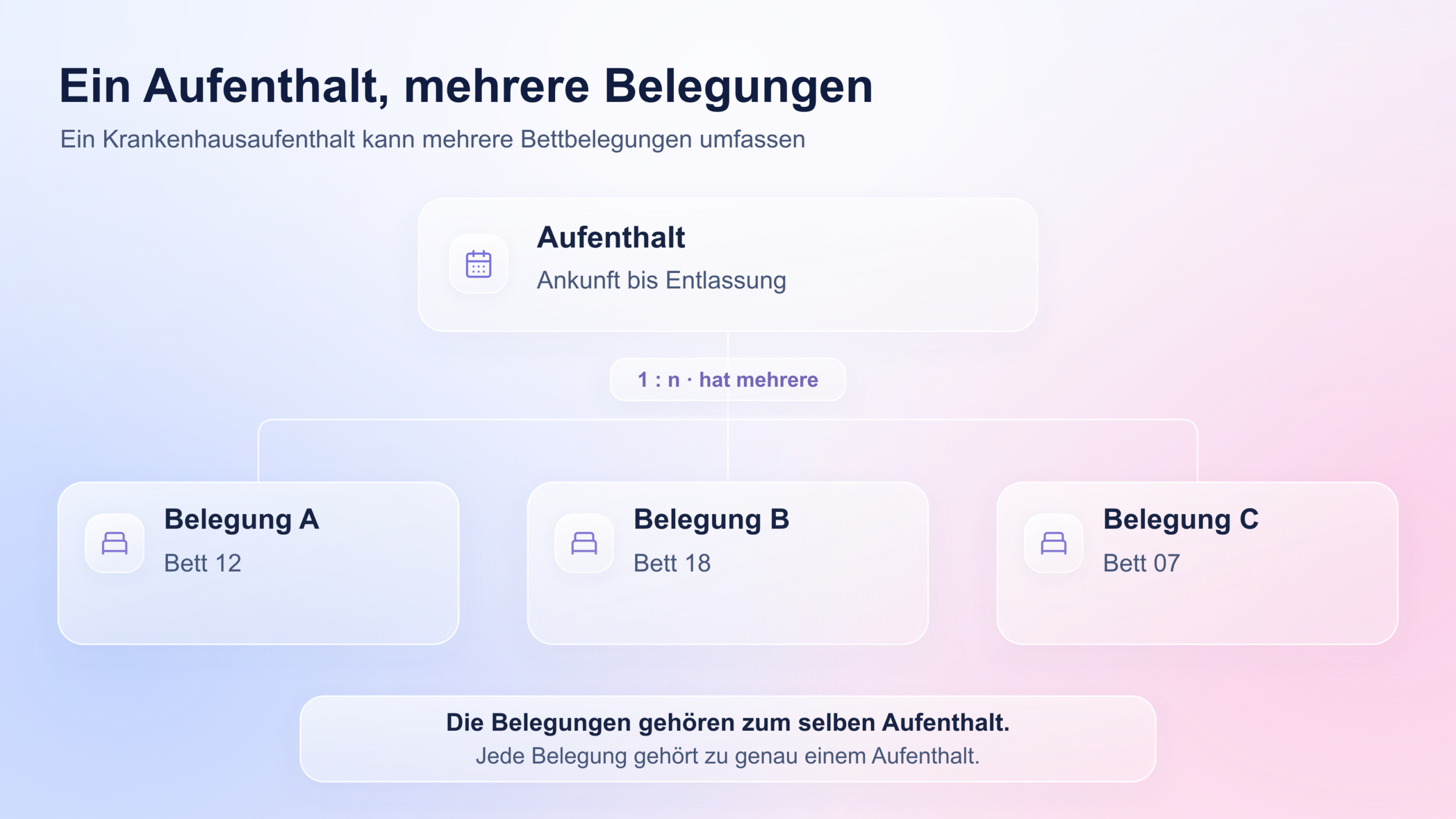
- One stay, multiple bookings
My model also had a gap
The story could end there: The prototype differs from the model, so the structure is corrected. But as testing continued, a new question arose: How precisely must the bookings cover the duration of a stay?
The model already incorporated the idea that the bookings for a stay are chronologically connected and that no unintended gaps should occur. But what does that mean in detail?
Does this coverage necessarily begin on the day of arrival? What happens if no suitable bed is available at that time? Can planning begin later—and if so, under what conditions? How is such a case represented in the system?
What looked like a minor exception touched on a fundamental business rule. This time, the prototype hadn’t violated any predefined rule. It had brought to light a scenario for which our model did not yet have a clear answer.
The prototype can uncover ambiguities. It can simulate different behaviors and reveal their consequences.
Which rule is correct from a business perspective must be clarified with the people who understand the processes, responsibilities, and exceptions. The decision is documented in the model and subsequently implemented in the prototype.
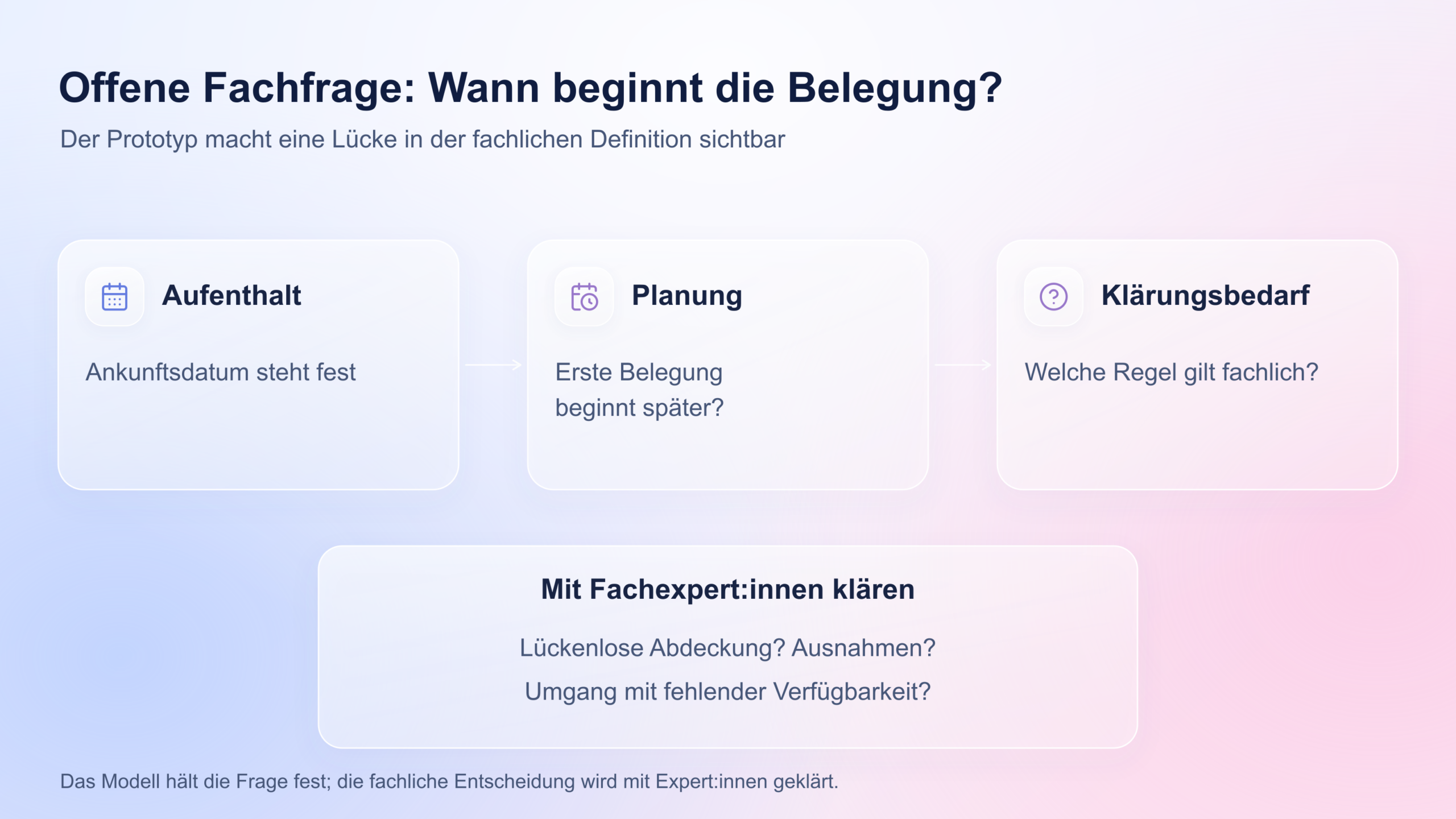
- Open Technical Question: When does the reservation begin?
Looking consistent is not the same as being consistent
This example illustrates why visual and functional consistency are two different things. An interface can comply with a design system and still be functionally incorrect. Clean components, spacing, and colors do not necessarily indicate whether the product logic has been implemented consistently.
Functional consistency therefore cannot be assessed solely at the level of individual screens. It is evident in whether objects, relationships, and rules are consistently represented across different views and scenarios.
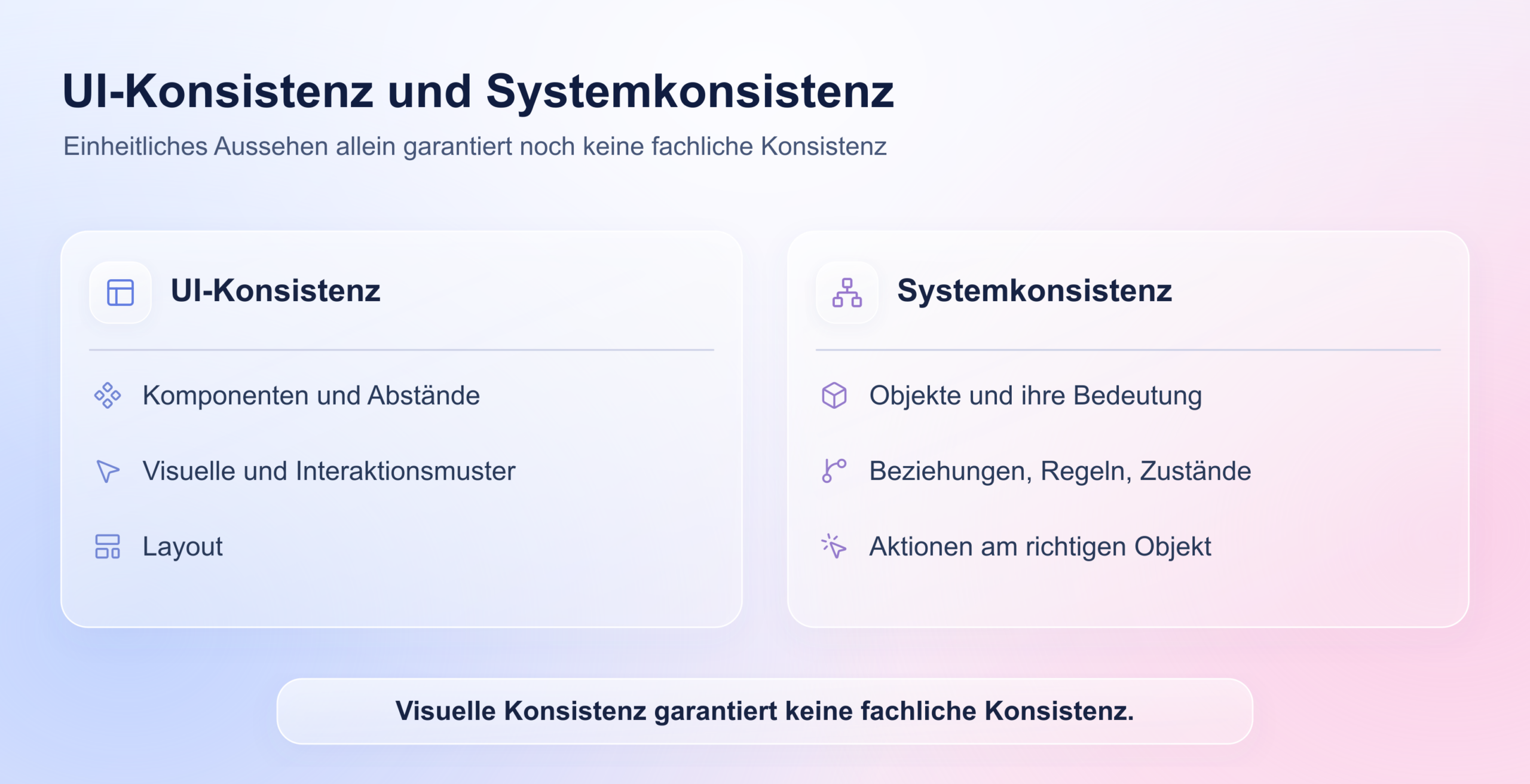
- UI Consistency and System Consistency
The faster we build, the more important the system becomes?
Understanding the system was important even before AI. What’s new to me is how quickly I can translate assumptions into interactive prototypes and test them against different scenarios.
However, speed doesn’t automatically resolve ambiguities. On the contrary: a convincing-looking prototype can also give the impression that something has already been thoroughly thought through, even though important technical decisions are still missing.
That’s why it’s not enough for me to simply judge whether a screen looks good or whether an interaction works technically. I also need to be able to ask: Does this behavior align with the system we actually want to build?
Within the team, a shared frame of reference helps us distinguish more precisely: Is this about the presentation, a business rule, the technical implementation, or a relationship that’s still unclear?
For me, this also changes my role as a designer. I don’t wait until the system has been fully defined before I start designing. Through modeling, questioning, and testing, design can already contribute to a better understanding of the system itself and help make business decisions visible.
To me, “Design the System Before the Screens” doesn’t mean finishing a perfect model first. Understanding, the model, the interface, and the prototype all evolve together. The key is to make enough of the system explicit so that we can consciously design, build, and evaluate it.
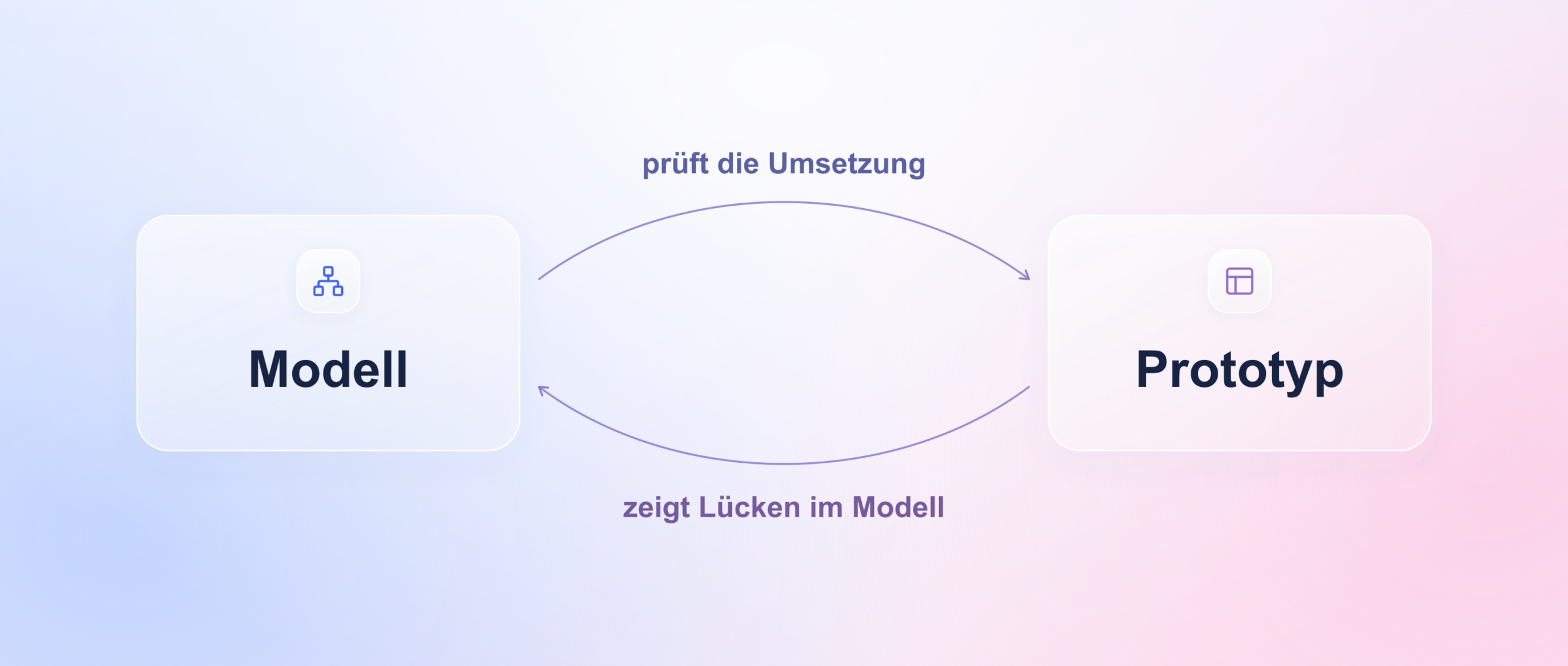
- Model and Prototype in Dialogue — Focus
Five Questions I’m Asking Earlier Today
Five questions have become particularly important to me as a result of this work:
- What domain-specific objects exist—and do we all mean the same thing when we use their names?
- How are these objects related to one another?
- What rules, states, and dependencies determine their behavior?
- Does the prototype also reflect these relationships in more complex cases—not just in the simplest scenario?
- If the prototype behaves differently than expected: Is the implementation incorrect, or is our model still incomplete?
A model is not yet an interface
The system model describes what the product is in functional terms. It does not yet specify what a screen should look like.
The same object can appear as a table row, a card, a calendar bar, or a detail view. Relationships must be perceptible to people. Information architecture, interaction design, visual hierarchy, feedback, and accessibility remain design decisions.
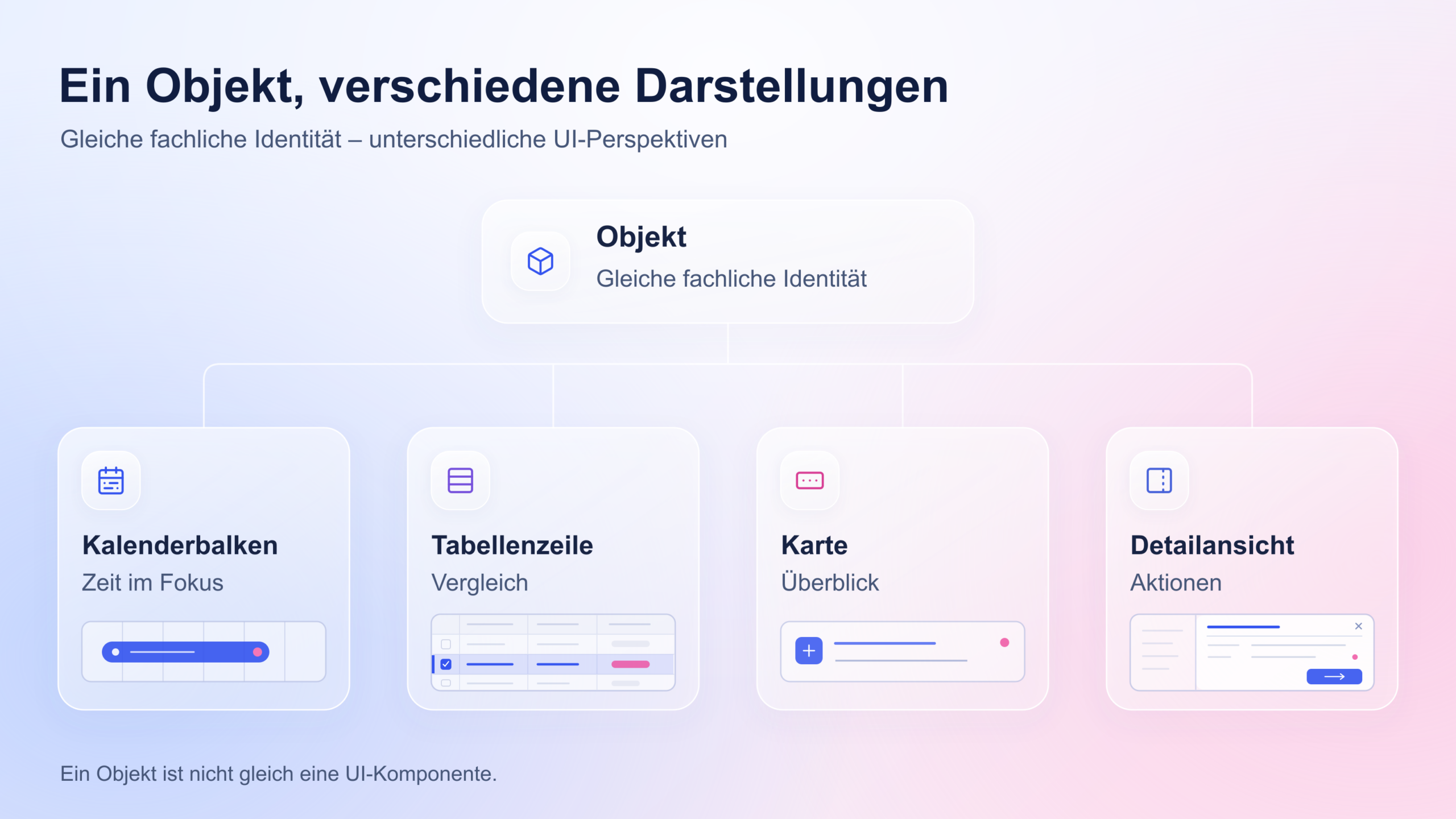
- One object, different representations